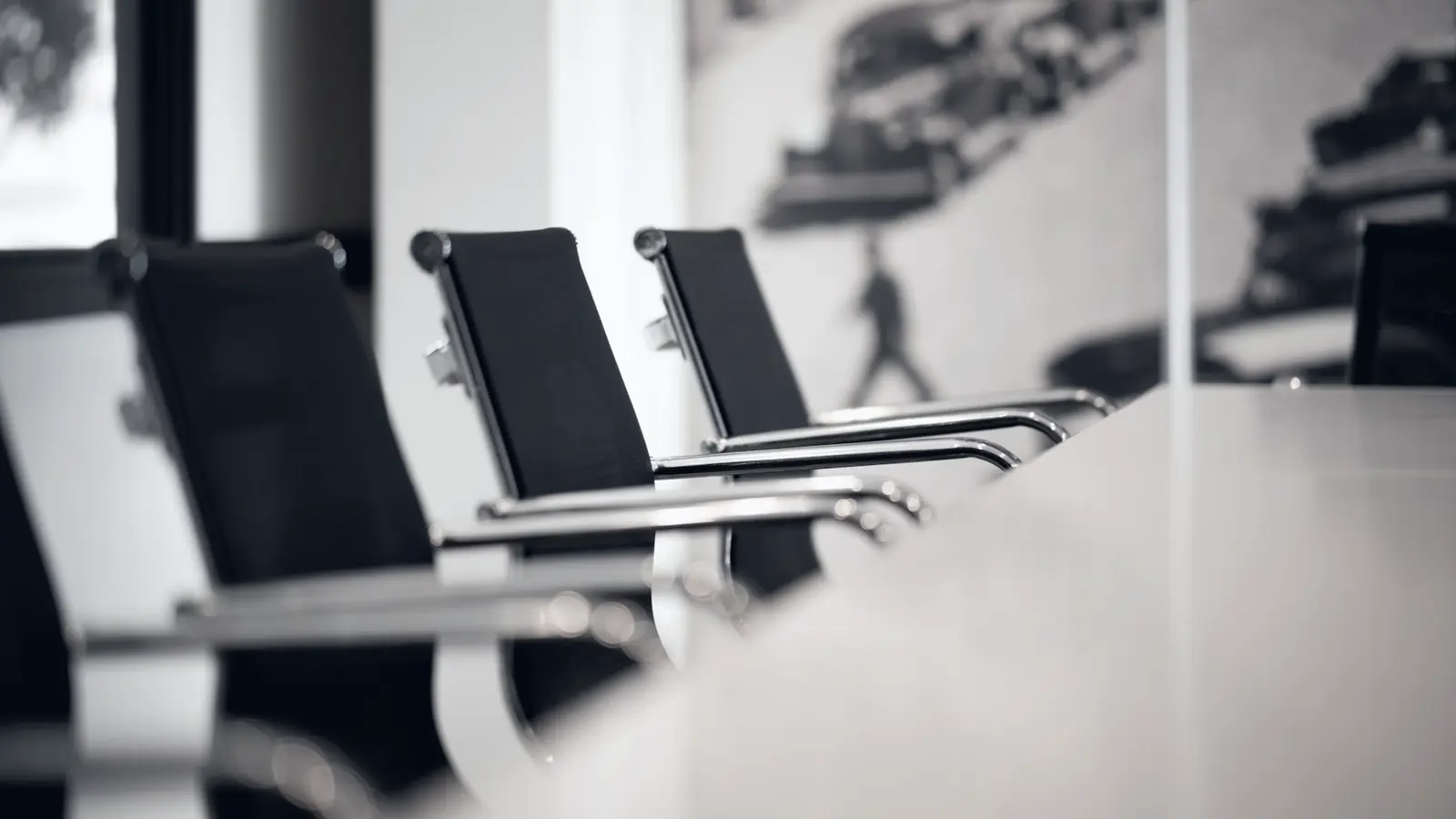
COSMODATA designs and implements comprehensive Meeting Room Solutions for businesses that need easy, reliable and modern collaboration solutions.
The solutions can cover:
- meeting rooms
- boardrooms
- conference rooms
- training rooms
- hybrid collaboration spaces
- executive rooms
with the goal that every meeting starts quickly and runs without technical complexity.
Microsoft Teams Rooms
Fully equipped rooms can be implemented with:
- Microsoft Teams Rooms
- dedicated room systems
- displays
- cameras
- microphones
- speakers
- touch controllers
- room calendars
so that users start meetings with a simple touch.
Video Conferencing
Rooms can support:
- Microsoft Teams
- Zoom
- Webex
- hybrid meetings
- customer presentations
- internal collaboration
with emphasis on clear image, proper sound and stable connectivity.
AI Meeting Rooms
Modern rooms can leverage Artificial Intelligence technologies for a more natural and efficient meeting experience.
Depending on the platform and equipment, the following can be supported:
- automatic speaker tracking
- intelligent framing
- participant recognition
- voice isolation
- background noise suppression
- automatic camera switching
- meeting transcription
- meeting summaries
- action item extraction
- smart captions
The room adapts automatically to the participants and the flow of the meeting.
Intelligent Cameras
AI-enabled cameras can:
- identify the active speaker
- perform automatic framing
- adjust the plan to the number of participants
- focus on different areas of the room
creating a better experience for remote participants.
AI Audio Processing
Audio quality is a critical element of every hybrid meeting.
Technologies can be used for:
- noise suppression
- echo cancellation
- voice enhancement
- speaker isolation
- automatic gain control
so that conversations remain clear even in demanding spaces.
Meeting Transcription & Summaries
In compatible environments, AI capabilities can be leveraged for:
- live transcription
- automatic captions
- meeting notes
- summary generation
- action items
- follow-up points
so that the key information from a meeting is recorded and put to use more easily.
Wireless Presentation
Users can present content from:
- laptops
- tablets
- smartphones
via wireless presentation, without complicated connections.
Displays & Projectors
Depending on the space, the following can be used:
- professional displays
- dual displays
- interactive displays
- projectors
- large-format screens
with proper choice of size and placement.
Touch & Interactive Displays
In collaboration spaces, interactive displays can be used for:
- whiteboarding
- annotations
- presentations
- brainstorming
- collaboration
so that participants can interact directly with the content.
Microphones & Speakers
Proper audio design may include:
- table microphones
- ceiling microphones
- speakerphones
- ceiling speakers
- soundbars
- DSP processing
depending on the size and acoustics of the space.
Room Booking
Rooms can be integrated into booking systems via:
- Microsoft 365
- Exchange
- room calendars
- booking panels
so that users know the availability of each room immediately.
Room Control
In more complex installations, control systems can be used for:
- display
- projector
- audio
- lighting
- blinds
- camera
- input selection
through a single interface.
Hybrid Meeting Experience
The room must offer an equal experience to on-site and remote participants.
The design takes into account:
- camera positioning
- microphone coverage
- screen visibility
- acoustics
- lighting
- network quality
so that all participants can be heard and seen properly.
Network & Connectivity
Meeting rooms depend on a stable IT infrastructure.
The following can be provided for:
- wired network
- Wi-Fi
- VLANs
- QoS
- PoE
- redundant connectivity
so that video calls remain stable.
Security
Access to collaboration platforms must be secure.
The following can be applied:
- secure device configuration
- account protection
- controlled guest access
- firmware updates
- network segmentation
- centralized management
so that meeting room devices are a properly managed part of the IT infrastructure.
Centralized Management
Room devices can be monitored centrally for:
- availability
- updates
- device health
- connectivity
- camera status
- microphone status
- room system alerts
so that problems are detected before an important meeting.
Support & Maintenance
COSMODATA can undertake the ongoing support of meeting rooms.
The service can include:
- troubleshooting
- configuration
- firmware updates
- user support
- calibration
- equipment replacement
- platform support
From a Room to a Smart Collaboration Space
The modern meeting room can combine:
- Video
- Audio
- AI
- Collaboration
- Room Control
so that technology works in the background and users can focus on the meeting.
Why Modern Meeting Room Solutions
- Easier Use
Meetings start quickly and without technical complexity. - Better Hybrid Collaboration
Remote and on-site users participate more effectively. - AI Capabilities
Speaker tracking, transcription and intelligent audio improve the experience. - Central Management
Rooms can be monitored and supported in an organized way. - Scalability
The solution can be adapted from a small huddle room to a large boardroom.
The room that works before the meeting even starts
COSMODATA designs meeting rooms where video, audio, collaboration and AI operate as a single system.
From a simple Teams room to a complete AI-enabled Meeting Room, the goal is for technology to make collaboration more natural, not more difficult.
Meet Smarter. Collaborate Better. Work Together.